Signup
To sign-up go to spacemanager.co.uk/portal
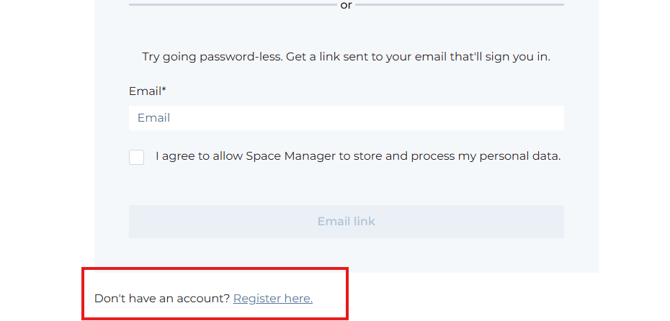
From there, click on 'Register here' at the bottom of the page to create a new account.
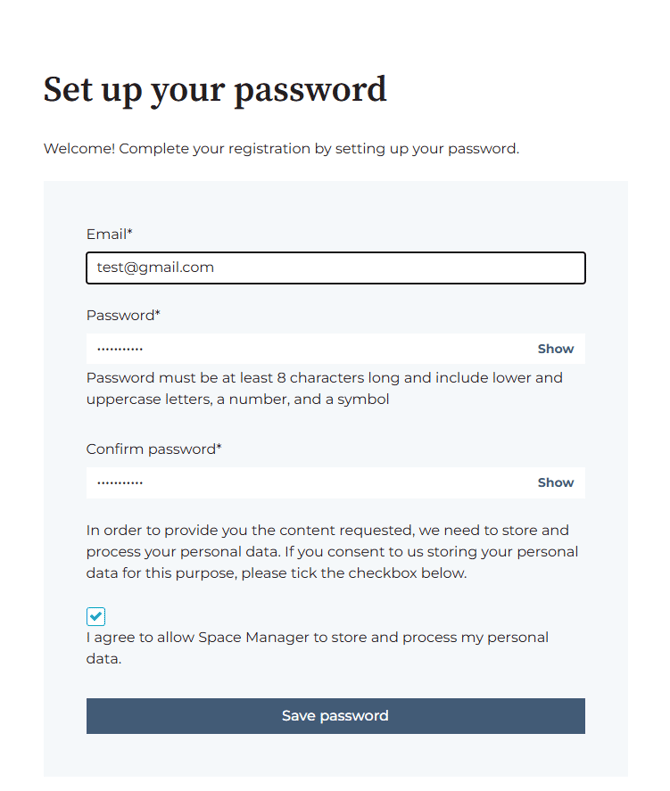
On the registration page, provide the information requested:
- your email address (make sure to use the same address used to report a ticket or you will not see those once logged in)
- password
Then check the box 'I agree to allow Space Manager to store and process my personal data.'
Click 'Save password'
Verifying your email address
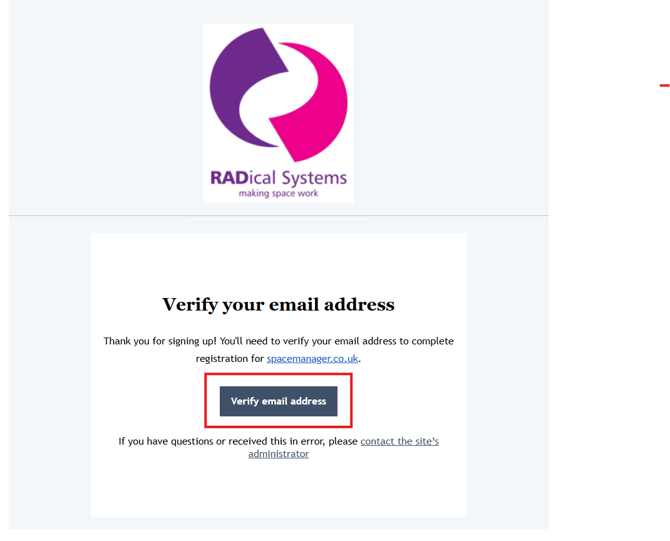
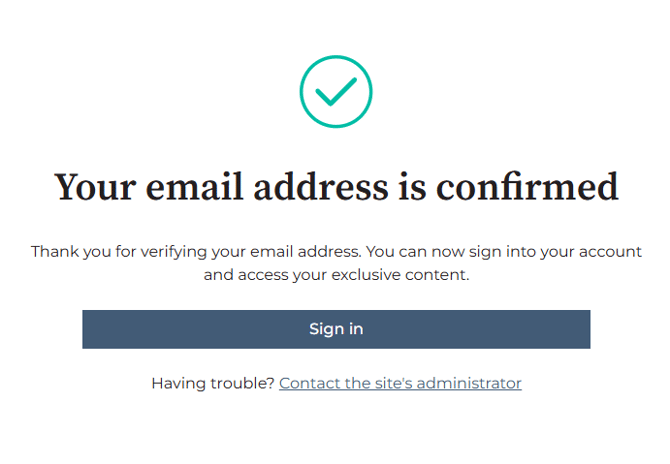
You will then get a message to let you know that your email address has been verified and that you can sign in:
Signing in
If you have already registered (see above) then you can now sign-in by going to spacemanager.co.uk/portal and using your email address and password OR a one-time link.
Using the portal
Once logged in, you should view a list of all of your tickets. Remember, you need to register an account using the email address you used to submit the ticket.
If you operate across multiple organisations and would like to see tickets raised by other members of your team, please contact us.
Filtering
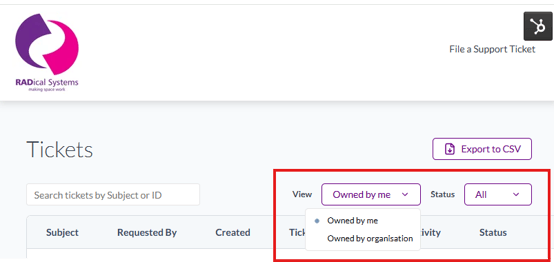
You can filter by 'Owned by me' VS 'Owned by my organisation'.
You can also filter tickets by their status:
- 'All' shows you all tickets, regardless of status
- 'Open' shows you all open tickets
- 'Closed' shows you closed tickets.
Viewing and progressing a ticket
To view a ticket in more detail, simply click on the subject line for that ticket.
From there, you will be able to respond directly to the ticket or mark it as closed if it no longer requires our attention.
Raise another ticket
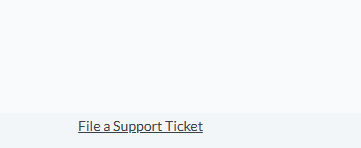
Finally, right at the bottom of the page, you can click to 'File a Support Ticket' should you need to quickly and easily raise a new ticket.