1. Go to SpacemanWeb XML Menu > Maintenance
- This opens the Maintenance Form
2. Create XML job that calls the Scheduler process
-
Must give Scheduler service desired parameter values:
-
Scheduler number: NVALUE
-
Date: DDATE
-
-
Example below uses Scheduler 1 and current date
- Click here to download XML
<Job autoclose="Yes" breakpoint="NO">
  <SetVariable name="DDate" sql="current date"/>
  <WebService service="SCHEDULER">
    <Writeln>NVALUE=1</Writeln>
    <Writeln>DDATE={DDate}</Writeln>
  </WebService>
</Job>
3. Upload the XML job in Maintenance > System Jobs and Reports

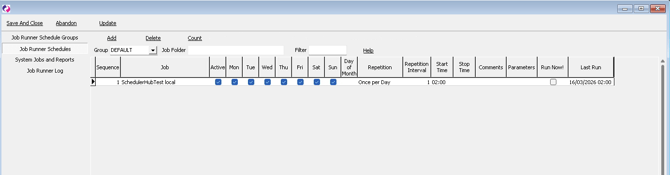
4. Schedule XML job at desired times in Maintenance > Job Runner Schedules
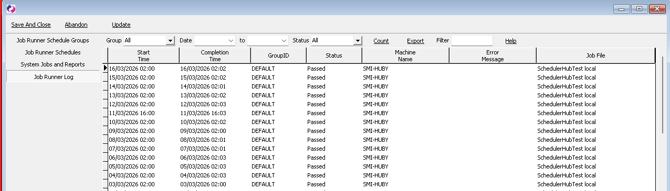
Job success outcomes (and failures) can be viewed in Maintenance > Job Runner Log
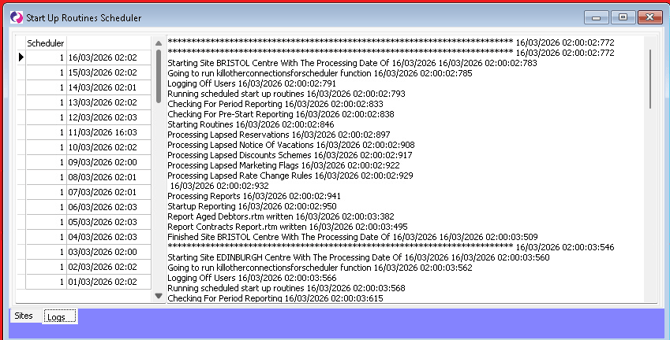
5. View Start Up Routines Scheduler logs from Support Menu > Scheduler > Logs
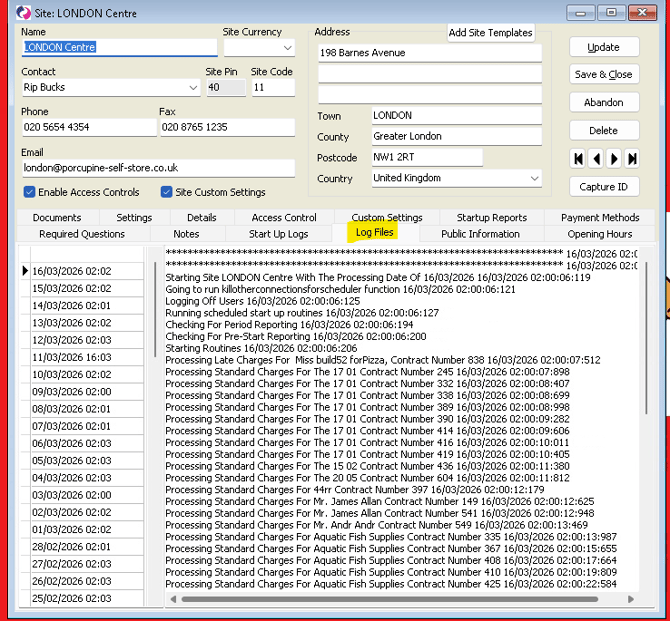
→ Site-specific logs can be seen from Maintenance > Sites > Log Files